How to Choose the Right PC Case
Choosing the right PC case is about more than appearance. A well-designed computer case provides sufficient space for your hardware, supports efficient airflow, and ensures compatibility with your cooling system and other components.
Whether you are building a gaming PC, a high-performance workstation, or developing a custom PC product line, selecting the right case is essential for a reliable and well-balanced system.
With a wide range of PC cases available, we offer solutions for different hardware configurations, cooling requirements, and design preferences.
Explore Different PC Case Designs
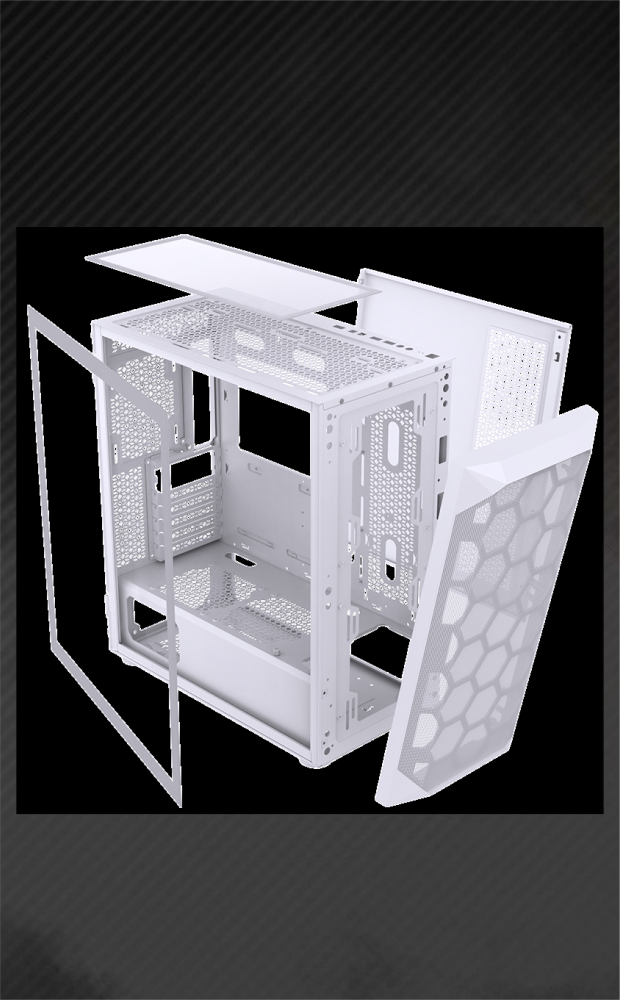
PC cases come in various sizes, structures, and designs to meet different user requirements.
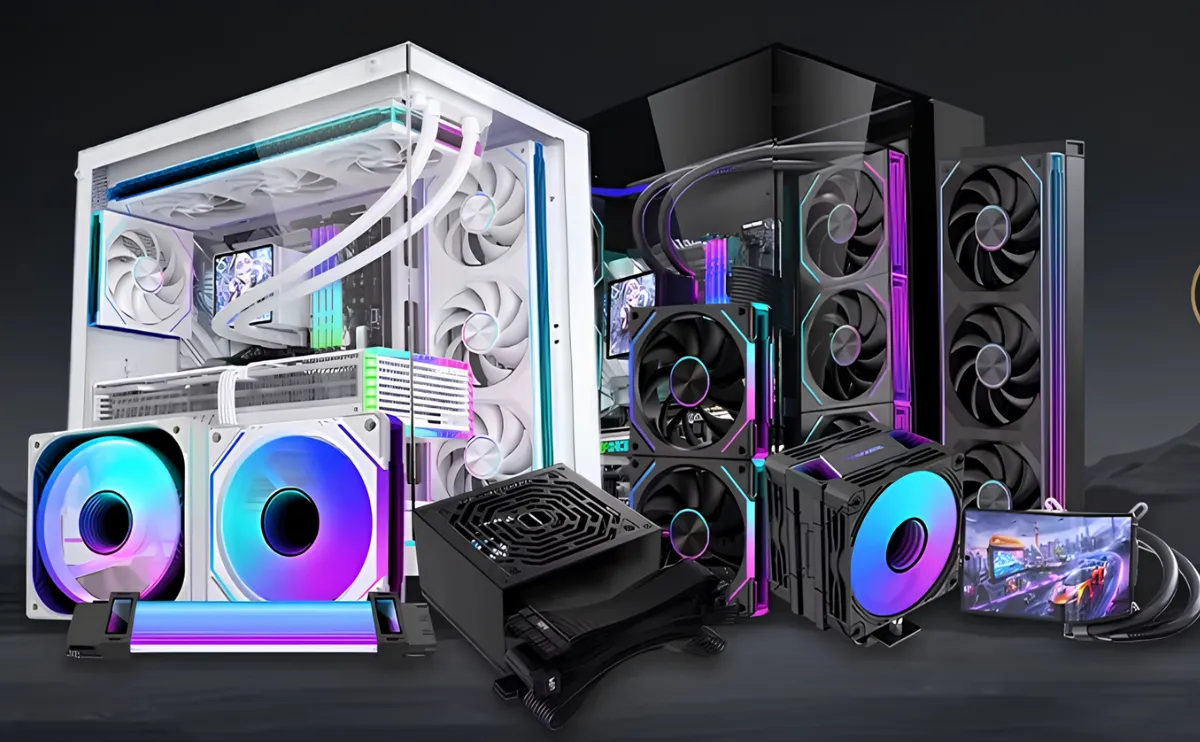
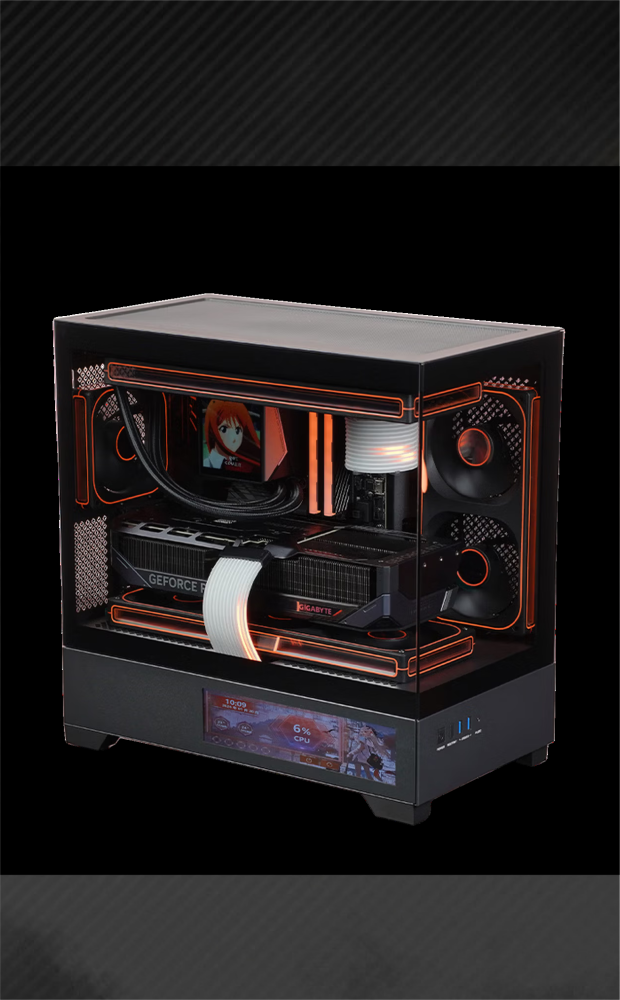
Our PC case range includes multiple styles and configurations, featuring large tempered glass side panels that provide a clear view of internal components. These designs are ideal for showcasing RGB lighting, custom cooling systems, and premium hardware configurations.
Whether you prefer a minimalist design or a gaming-focused appearance, choosing a case with the right internal layout and expansion space is the first step.
Check CPU Air Cooler Height Compatibility
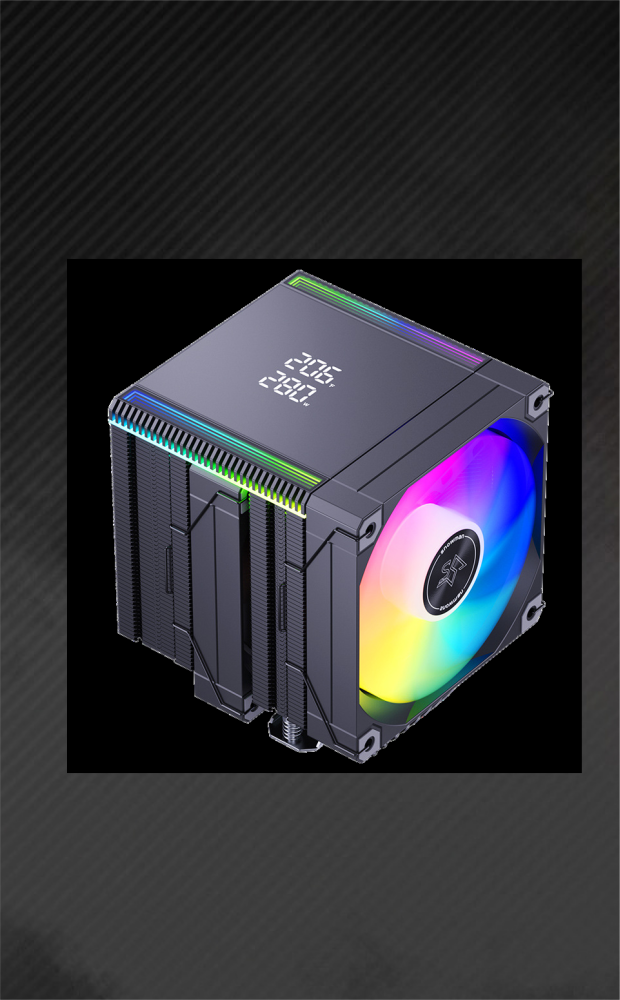
If you plan to use an air cooling system, CPU cooler height is an important factor when selecting a PC case.
Different air coolers have different heights, and not every case can accommodate every cooler.
Before choosing a case, check:
-
The maximum CPU cooler height supported by the case.
-
The actual height of your CPU air cooler.
-
The available clearance between the cooler and the side panel.
If you are unsure which case is compatible with your air cooler, contact our team with your cooler model or height specifications. We can help you check the compatibility and identify a suitable PC case.
Consider Graphics Card Length and Clearance
Graphics card compatibility is another important consideration, especially for gaming PCs and high-performance workstations.
Modern graphics cards can vary significantly in length, thickness, and overall dimensions. A case that supports a large motherboard does not necessarily have enough clearance for every GPU.
Before purchasing, check:
-
Maximum GPU length supported by the case.
-
Available space for thick or multi-slot graphics cards.
-
Clearance around front-mounted fans or radiators.
-
Internal layout and cable management space.
Providing your graphics card model or dimensions allows our team to help verify whether a particular case is suitable for your hardware configuration.
Check Motherboard Compatibility
Motherboard size is another key factor when choosing a PC case.
Different PC cases support different motherboard form factors. Common motherboard types include:
-
ATX
-
Micro-ATX (M-ATX)
-
Mini-ITX
-
E-ATX (model-dependent)
Always check the motherboard compatibility specifications of the case before making your selection.
If you are planning a custom PC configuration, our team can help you identify a suitable case based on your motherboard dimensions and hardware requirements.
Build a Compatible PC Configuration with Our Team
Selecting a PC case should always start with your actual hardware configuration.
To help us recommend a suitable case, you can provide:
-
Motherboard: Model or form factor.
-
CPU Cooler: Air cooler height or liquid cooling radiator size.
-
Graphics Card: Model, length, and thickness.
-
Cooling Requirements: Number and size of fans or radiators.
-
Other Requirements: Design preferences, internal space, and cable management needs.
Our team can help check component compatibility and recommend suitable PC cases and cooling products based on your configuration.